
Scheduler
Plan your machinery, sites, and crews on one visual board — with conflict detection and demand planning, without spreadsheets or whiteboards.
- One board for machinery, sites, and employees
- Plan by week or by day with drag-and-drop
- Conflict engine catches double-bookings and clashes
- Demand planning shows where you're short
The pain today
Who Scheduler is for
Whiteboard scheduling
Crews, machines, and sites are planned on whiteboards and spreadsheets that go stale the moment something changes.
Double-booked resources
The same crew or machine gets assigned to two sites before anyone notices the clash.
No view of capacity
Nobody can see who or what is free, or where you're short, without rebuilding the plan by hand.
Last-minute changes
A single delay forces hours of manual replanning across every affected site.
Capabilities
Every feature you need
Scheduler replaces spreadsheets and whiteboards with one visual planning board for your machinery, sites, and employees. Plan by week or by day, drag bookings into place, and let the conflict engine catch double-bookings and cross-site clashes before they cost you. Demand planning shows where you're short, so the right resources are always where they need to be.
PLANNING BOARD
All your resources on one visual board
No more whiteboards or spreadsheets. See every machine, site, and crew member across the week — or zoom into a single day.
Machinery, sites & employees: Switch between resource views to plan equipment, job sites, and people from one board.
Weekly & daily views: Plan the whole year by week, then drop into daily timed windows where it matters.
Drag-and-drop: Move, resize, re-home, and split bookings with a simple drag — the board updates instantly.
CONFLICTS & DEMAND
Catch clashes and capacity gaps before they cost you
Let Scheduler watch for the problems you'd otherwise find too late.
Conflict engine: Hard blocks and cross-site warnings flag double-bookings and clashes, with the reason why.
Demand planning: Counted slots and fulfilment totals show exactly where you're over- or under-staffed.
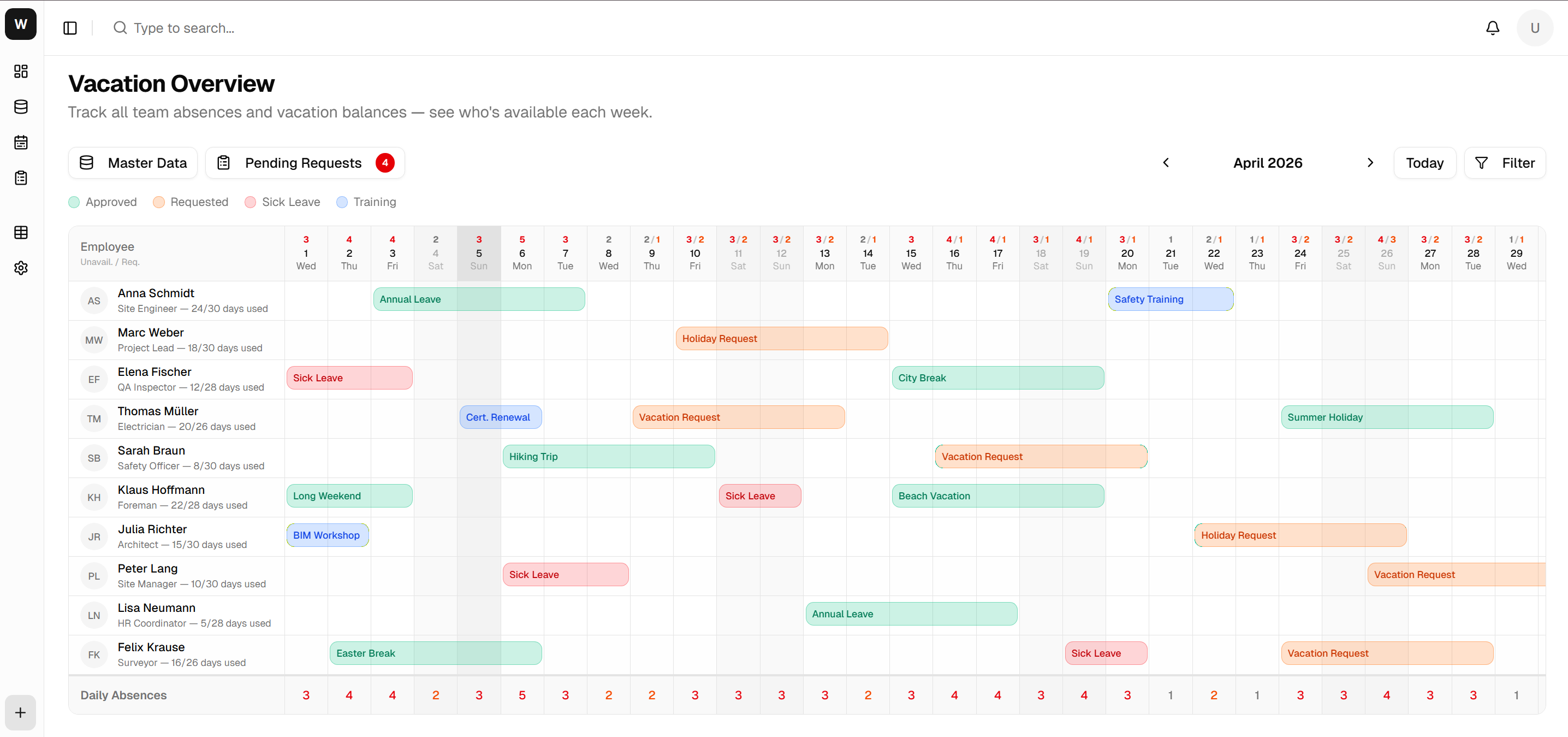
Availability at a glance: Absence and availability breakdowns sit right in the header, so you plan around reality.
Everything included
A closer look at the tools and capabilities built into this module.
Visual Planning Board
Plan machinery, sites, and employees on one drag-and-drop board by week or day.
Conflict Engine
Hard blocks and cross-site warnings catch double-bookings before they cause delays.
Demand Planning
Counted slots and fulfilment totals show where you're short and where you have slack.
Availability & Absences
Absence and maintenance blocks are built into the board, with breakdowns in the header.
Undo / Redo
Plan freely — every move can be undone, with optimistic updates that feel instant.
Pricing
Simple, transparent pricing
Pick the plan that fits your team — scale up anytime.
Basic
- Machinery & sites views
- Weekly all-day planning
- Drag-to-move scheduling
Pro
Popular- Adds employees view & daily planning
- Conflict engine & cross-site warnings
- Demand planning & fulfilment
- Unlimited resources & sites
FAQ
Questions & answers
Ready to get started?
Start planning your machines, sites, and crews on one board — and leave the spreadsheets behind.